Access your Verifone Central account
Last updated: 10-Sep-2025
Accessing Verifone Central
To access Verifone Central, follow the steps below:
- Log in to your Verifone Central account.
-
The Verifone Central landing page will be displayed. Access the needed module by clicking on Launch.
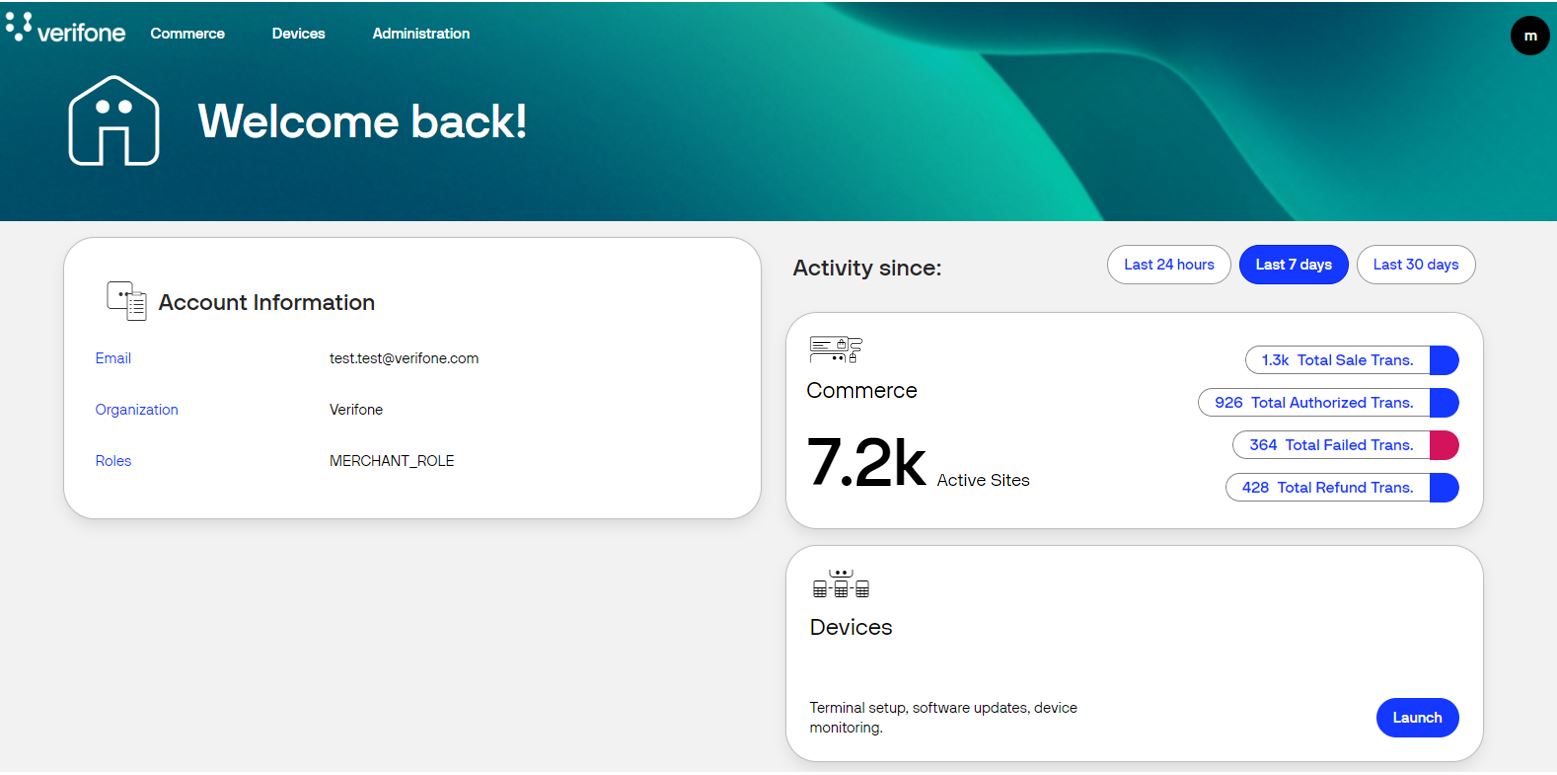
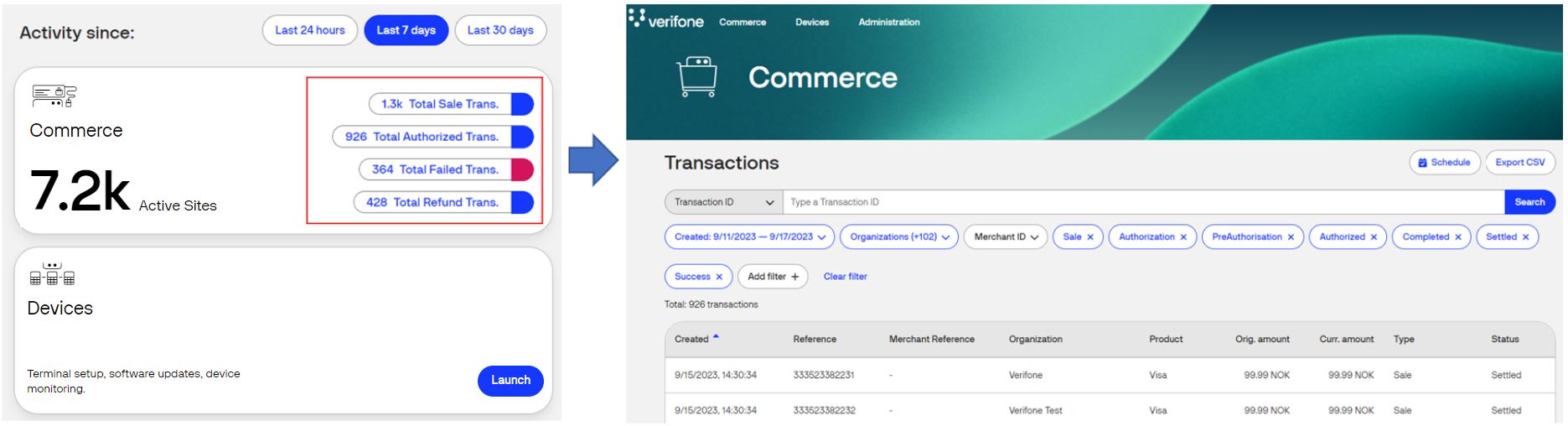
The Commerce card enables you to have faster access to the transaction KPIs (key performance indicators) for a high-level data summary view at a quick glance. Clicking on a certain KPI, the user will land on the Transactions page, having enabled the filters that calculated that specific KPI data.
- For each KPI a date/time filter range can be selected:
- Last 24 hours
- Last 7 days
- Last 30 days
- The following KPIs are available:
- Total Sale Transactions - Clicking on Total Sale Transactions user will land on the transactions page with the following filters applied:
- Transaction Type: Sale, Authorization and Pre-Authorization, Capture and PreAuth Completion
- Total Authorized Transactions - Clicking on Total Authorized Transactions user will land on the transactions page with the following filters applied:
- Transaction Type: Sale, Authorization and Pre-Authorization, Capture and PreAuth Completion
- Transaction Status: Authorized, Completed, Settled, Success
- Total Failed Transactions - Clicking on Total Failed Transactions user will land on the transactions page with the following filters applied:
- Transaction Type: Sale, Authorization and Pre-Authorization, Capture and PreAuth Completion
- Transaction Status: Declined, Expired, Failed, Rejected, Timeout
- Total Refund Transactions - Clicking on Total Refund Transactions user will land on the transactions page with the following filters applied:
- Transaction Type: Refund
- Total Active Sites - The count of active Merchant sites
- Total Sale Transactions - Clicking on Total Sale Transactions user will land on the transactions page with the following filters applied:
- For each KPI a date/time filter range can be selected:
-
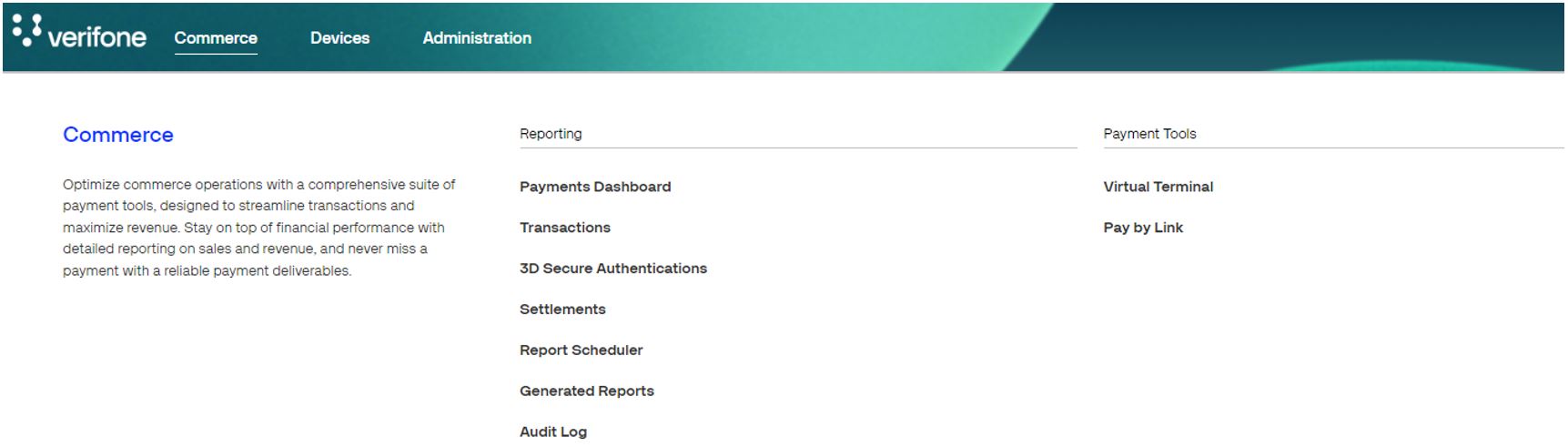
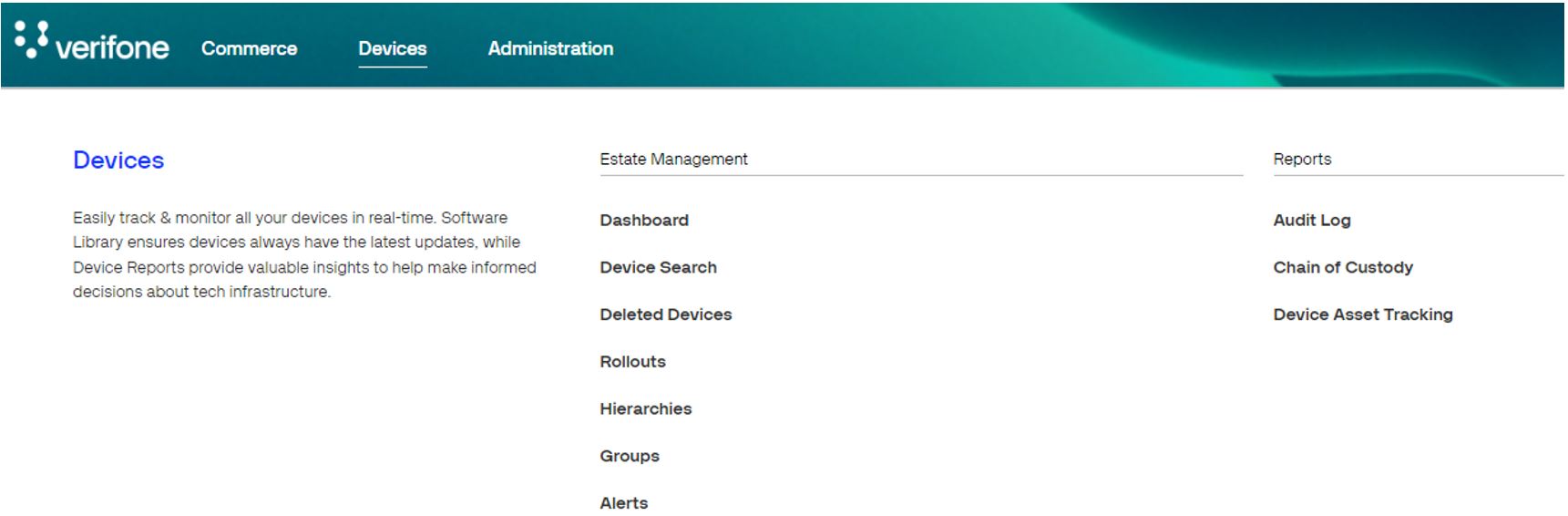
Alternatively, you can access the module from the navigation menu.

-
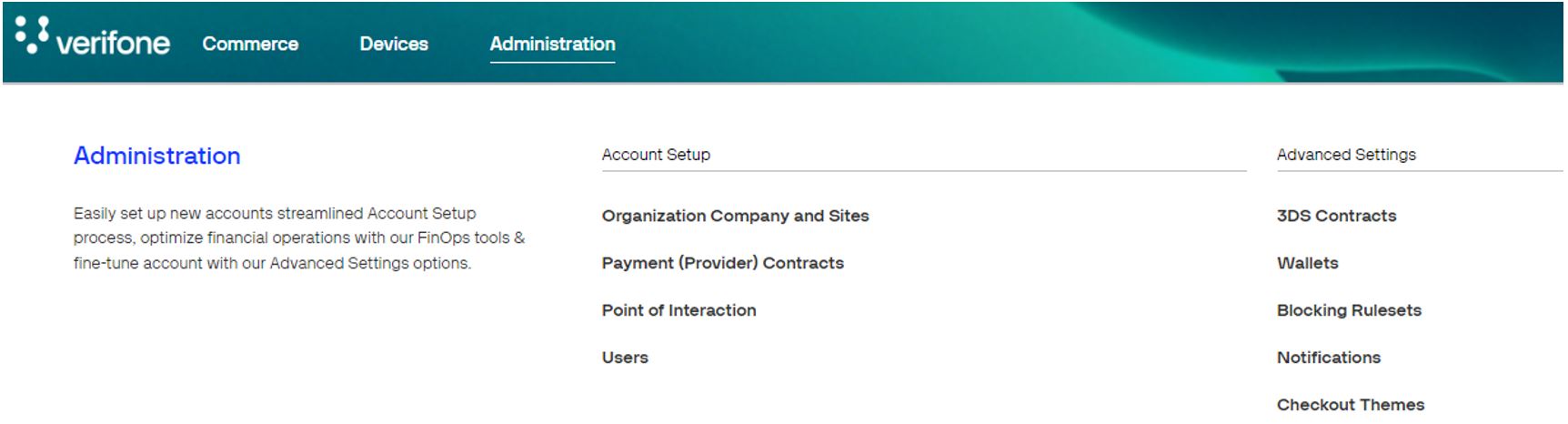
Each module will display its options and possibilities.
Verifone Central Modules
Commerce
Devices
Administration