Account security
Last updated: 17-Oct-2025
Security measures
To keep your data secure and safe, the following actions have been introduced:
- You are logged out after 30 minutes of inactivity within Verifone Central.
- Verifone Central provides a secure login mechanism by utilizing Google reCaptcha to avoid malicious attacks.
- For enhanced security the minimum required password length is 14 characters.
Password expiration policy
- Passwords must be changed every 90 days. You need to change your password every 90 days, or else it expires.
- You will receive email reminders 14, 7, 3, and 1 days before the password expiration date. Reminder emails include a reset password URL.
If your password has expired, you can still log in using your old credentials. After logging in, you will be directed to the Reset Password screen to create a new password. Upon resetting the password, you can log in using the new credentials.
Reset your password
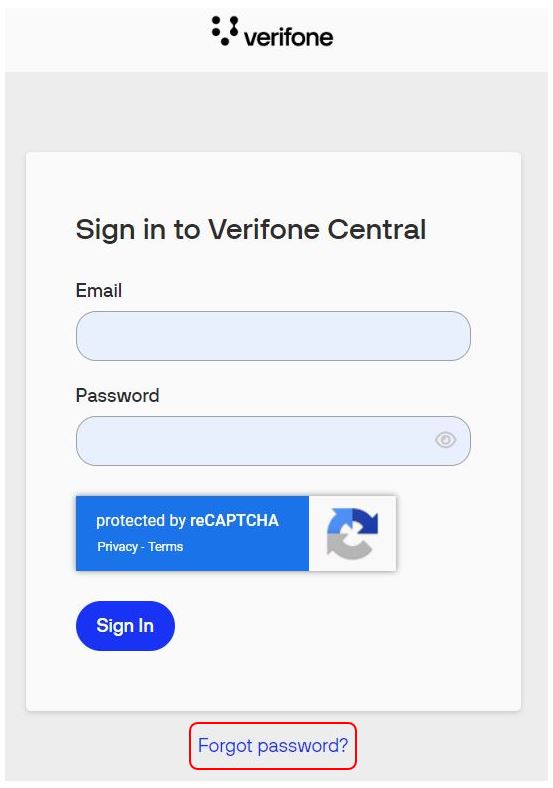
- If you forgot your password, you can reset it from the Sign in to your Verifone Central page by clicking Forgot password?
- You will receive an email to reset the password, and the link in that email will expire in 72 hours.
You can also reset your password from the Change Password section of your user account (My Account > Edit user > Change password).
